
Every AI image tool, in one place
Remove, generate, and transform images with a growing set of powerful tools.
Image Object Remover
Erases anything from your image
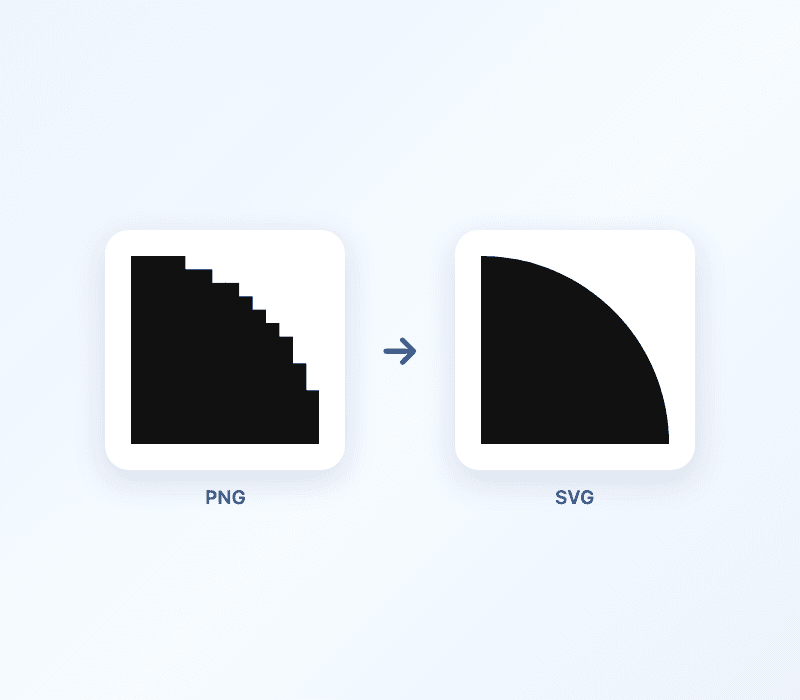
PNG to SVG Converter
Turn any image into a scalable vector

AI Headshot Generator
Turn your selfies into pro studio headshots

Talking Photo
Animate a photo into a talking or singing video

AI Song Cover
Sing any song in a different AI voice

Add Sound to Video
AI sound effects for silent videos

AI Pet Portrait
Turn your pet into adorable shareable art

AI Product Photos
Studio product shots for your store

Remove Gemini Logo
Erase Google Gemini watermarks instantly
Remove Background from Image
Perfect background remover
AI Image Upscaler
Make blurry photos sharp and high-res

AI Portrait Enhancer
Make selfies look professional

AI Photo to Video
Animate any photo into a video
Trusted by creators & teams worldwide
 Figma
Figma Google
 Facebook
 Notion
 Dropbox
 Airbnb
 SpotifyFigmaGoogleFacebookNotionDropboxAirbnbSpotify
Remove objects without leaving Figma
Install the Imgour Object Remover plugin and erase anything from your images right inside Figma. Just brush over what you want gone and our AI fills the background in seconds, with no export or import needed.
Get the Figma pluginEdit, generate, and bring images to life
A growing studio of AI tools in one place. Clean up photos, create new visuals, and add sound and motion — all right in your browser.
Edit & clean up
Remove objects, people, watermarks, and backgrounds with AI inpainting that keeps everything looking natural.
Generate visuals
Turn your photos into studio headshots, polished product shots, and shareable pet portraits in seconds.
Video & audio
Add AI sound effects to silent clips, sing songs in a new voice, and make any photo talk or sing.
Real, fast-growing traffic
Independently measured by SimilarWeb — imgour reached 148,709 monthly visits, up 246% from the month before. Real people using these tools every day.

Frequently asked questions
How does the AI object remover work?
Our object remover uses advanced AI inpainting that intelligently removes selected objects. Brush over what you want gone and the AI fills in the background naturally.
Do I need to install anything?
No. Every tool runs right in your browser. Just open a tool and start editing, no downloads or setup required.
Can I remove watermarks and logos?
Yes. Our tools can remove any watermark, logo, or text from images, including Google Gemini watermarks, brand logos, timestamps, and more.
How do I remove backgrounds from photos?
Use the Background Remover. Upload your image and the AI automatically detects the subject and removes the background, creating a transparent PNG.
Are my images stored on your servers?
No. Your images are processed and never stored on our servers, so your privacy is fully protected.
What image formats are supported?
All common formats including JPG, PNG, and WebP. Upload any image type and our tools will process it.